KICKING THE TYRES
We spent a day playing the game the way a stranger would: every suite, a full championship driven by a bot that always grabs the first card it sees, the whole of Driver School, the browser demo in a real browser. Most of it held up. Four things didn't, and they're fixed.
First, an apology. If you tried the browser demo in the last few weeks and it never got past the title screen, that was us, not your browser. A browser has no EXIT GAME button (the tab is yours to close), and the main menu tripped over the gap where the button should have been and froze. Nobody saw it because the game only does that on the web, and the web was the one place we weren't testing. It is now, every time.
Second, your run survives the close button. Until now the only way to park a run was SAVE & EXIT on the road menu; close the window instead and half an hour of racing went with it. Close the window between races now, on the map, in the pit shop, at the mechanic, at a roadside stop, and CONTINUE RUN is waiting on the menu next time. Close it mid-race and the run is over, on purpose: there is no reloading a bad race away.
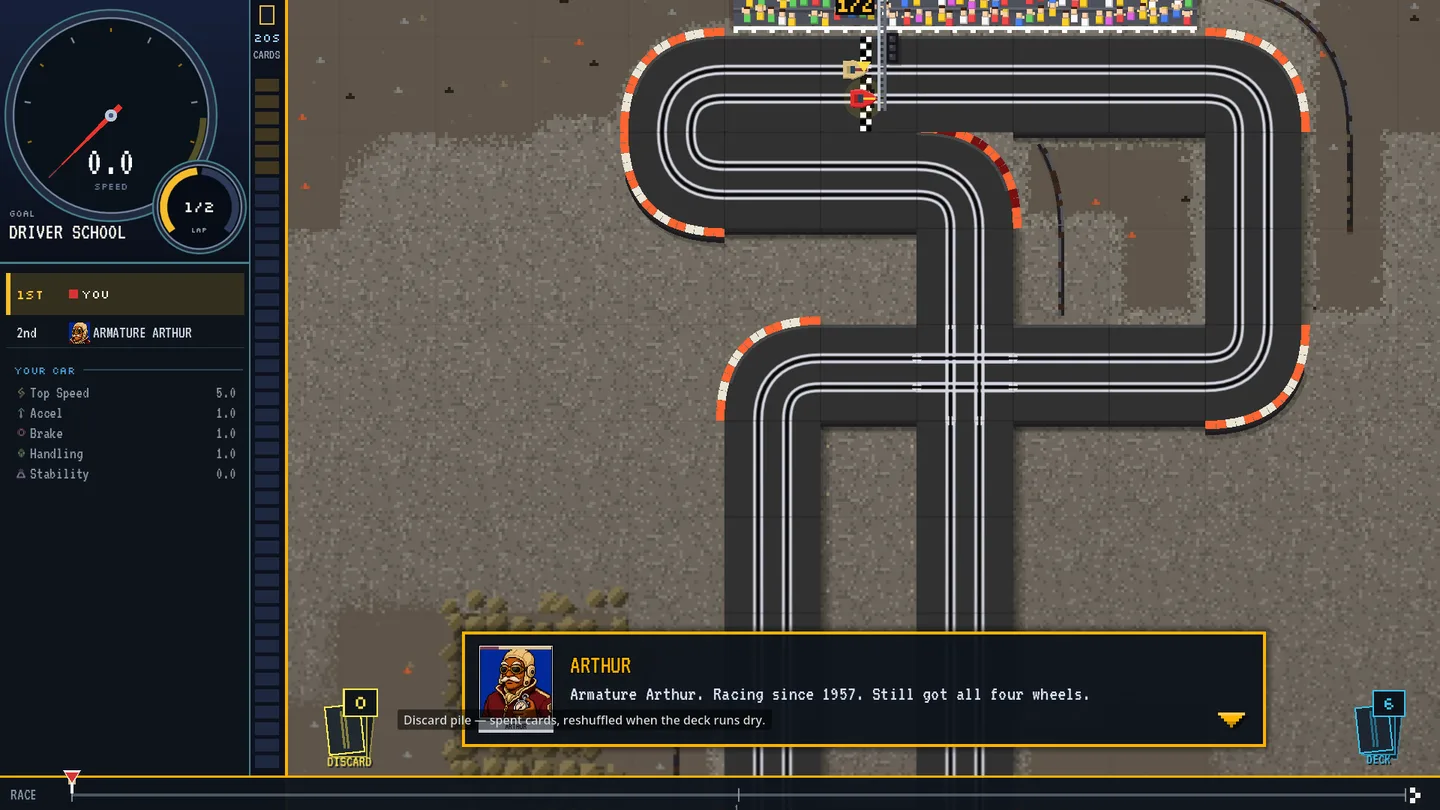
Third, Driver School's tyre walls. The belt that ties a tyre wall together is lit on one side, and where a wall bent through vertical the belt tried to swap sides in one step and tied itself in a knot. The engine refused to draw the knot, so a few bends had no belt at all and the log filled up behind the scenes. The belt now changes sides at a seam instead.
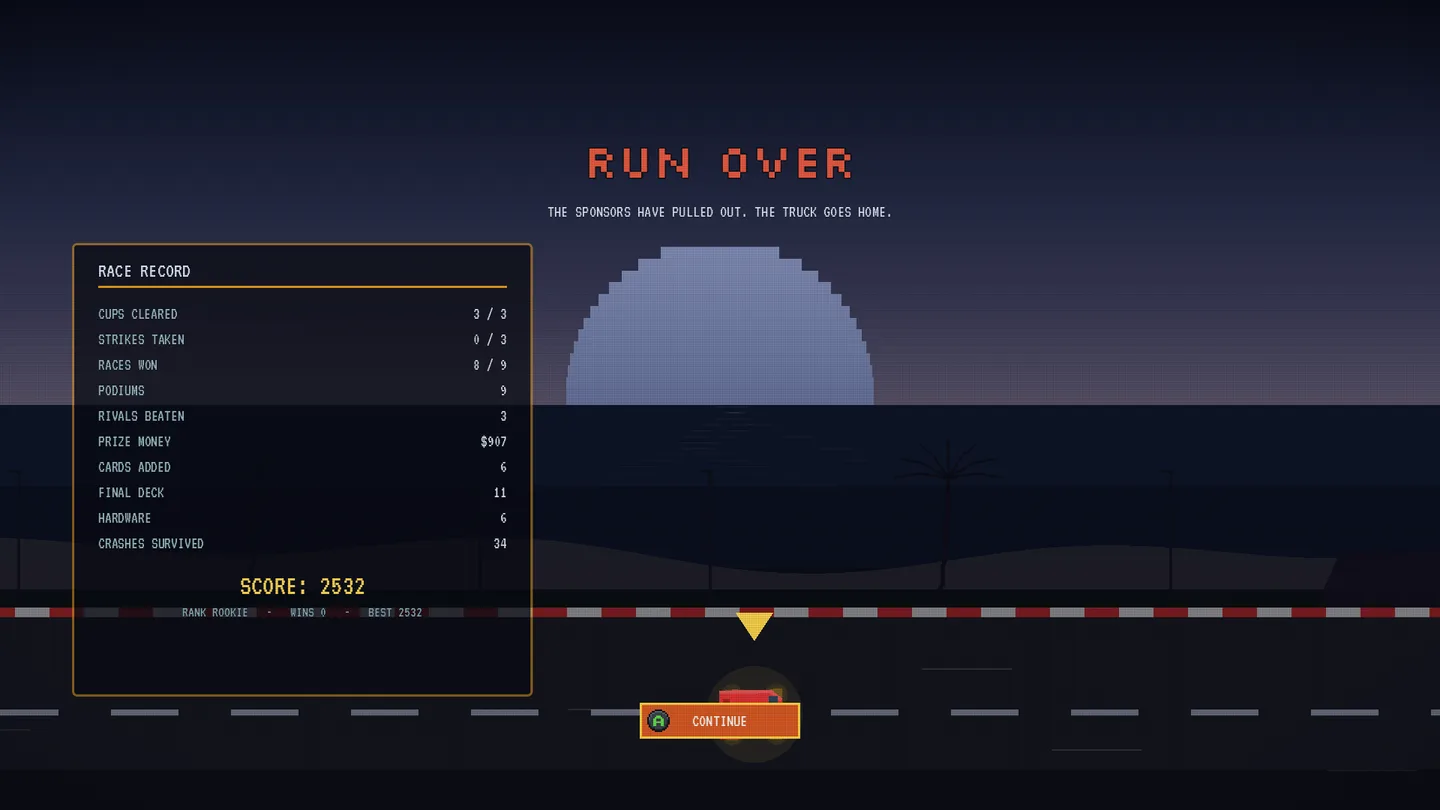
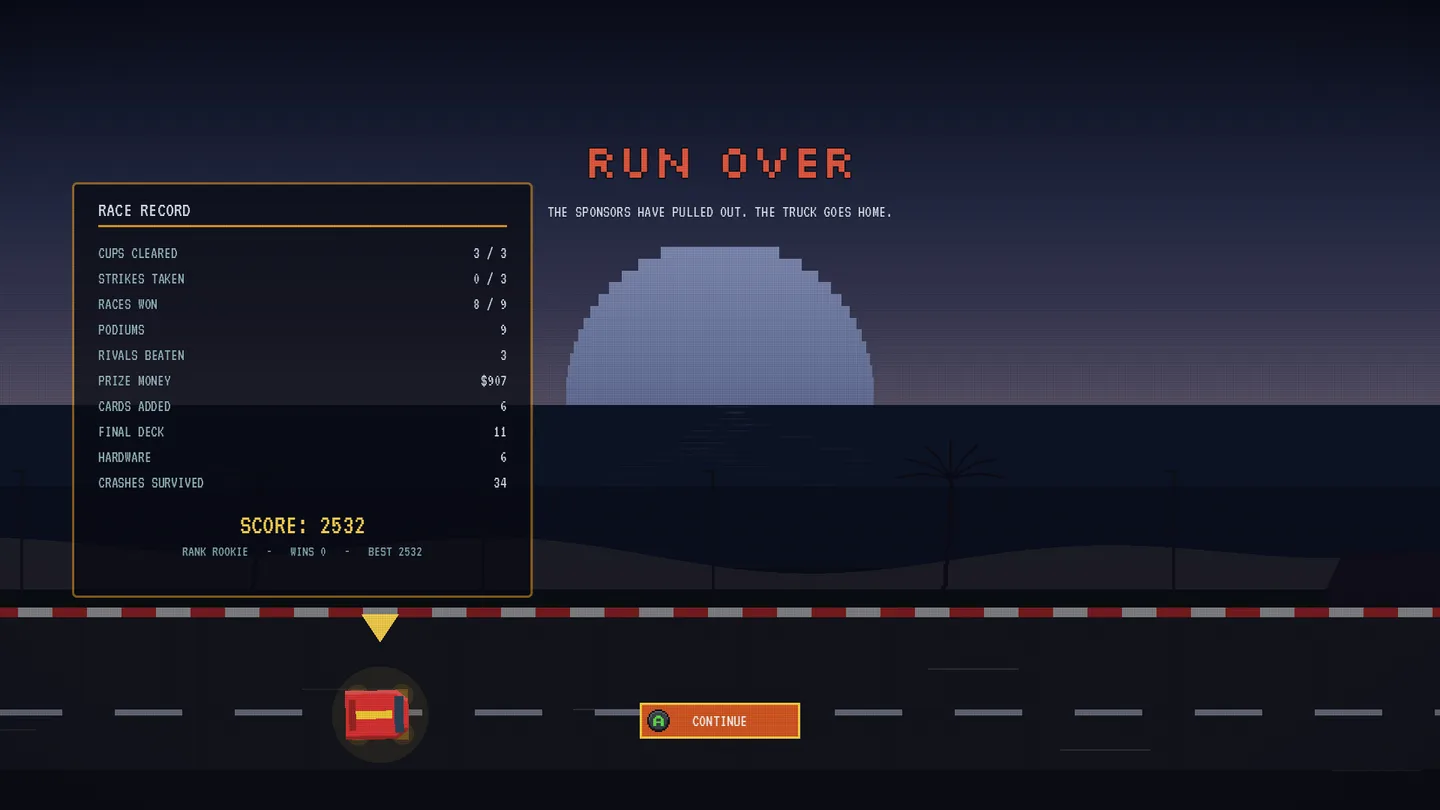
Fourth, the end-of-run screen. The record card ran down over the kerb, which put your career line (rank, wins, best score) on a red and white checker where nobody could read it, and the car drove straight in behind the CONTINUE button. The card now stops above the road and the car keeps to the left.
The small print: these are captures from the native Windows desktop build. No card, rule or number changed. The browser demo fix reaches you with the next build.